 UniRemoteLab
Control an SG90 Servo with ESP32 from the Serial Monitor
A servo is a small motor that turns to an angle you choose. Here you type an angle, the ESP32 reads it and moves the servo arm there, and you watch it move on the live camera.
▶ Run it on a real boardFree as a guest for a few minutes, or with your university account
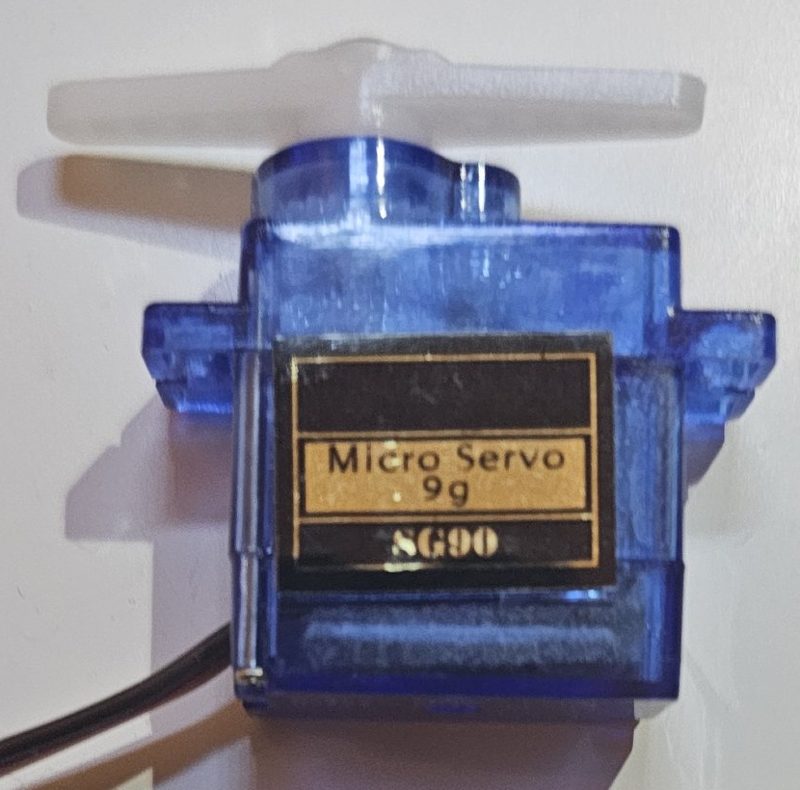
Wiring on the lab board
| Part | Pin |
|---|---|
| Servo signal | GPIO21 |
| Power | 5 V from the board |
Full code
// Experiment 5: servo motor
// Relay: K15   |   Library: ESP32Servo
// Type an angle between 0 and 180 in the send box under the Serial Monitor
#include <ESP32Servo.h>

Servo servo;

void setup() {
  Serial.begin(115200);
  servo.attach(21);
  servo.write(90);
  Serial.println("Send an angle 0..180");
}

void loop() {
  if (Serial.available()) {
    int a = Serial.parseInt();
    while (Serial.available()) Serial.read();   // ignore the rest of the line
    if (a >= 0 && a <= 180) {
      servo.write(a);
      Serial.print("Angle: ");
      Serial.println(a);
    } else {
      Serial.println("Out of range");
    }
  }
}
The libraries are already installed in the lab.
How it works
- A servo reads one pulse every 20 ms: the pulse width sets the angle, from about 0.5 ms (0°) to 2.5 ms (180°). The ESP32Servo library generates this for you.
- servo.attach(21) ties the library to the pin, and servo.write(90) centres it at start.
- In loop(), Serial.parseInt() reads the typed number, the rest of the line is discarded, and angles outside 0 to 180 are rejected.
Common mistakes and fixes
- The servo does not move
- Its relay is open, or you used the standard Servo library instead of ESP32Servo.
- It jumps to 0 after every line
- The rest of the line was not discarded, so parseInt() reads 0. See the while loop in the code.
- It jitters at the ends
- Some SG90s cannot reach exactly 0 or 180. Try 5 to 175.
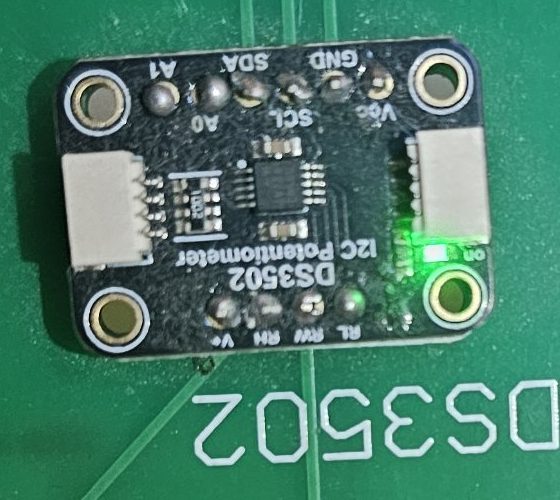 DS3502 digital pot
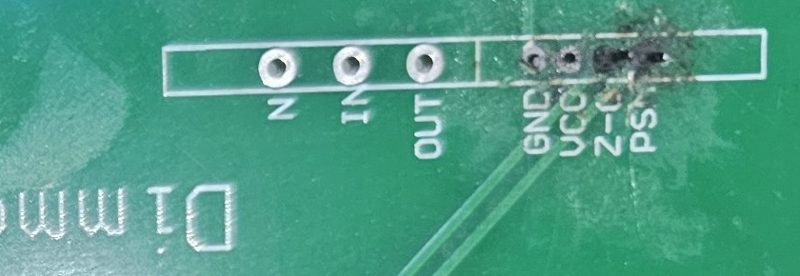 AC dimmer
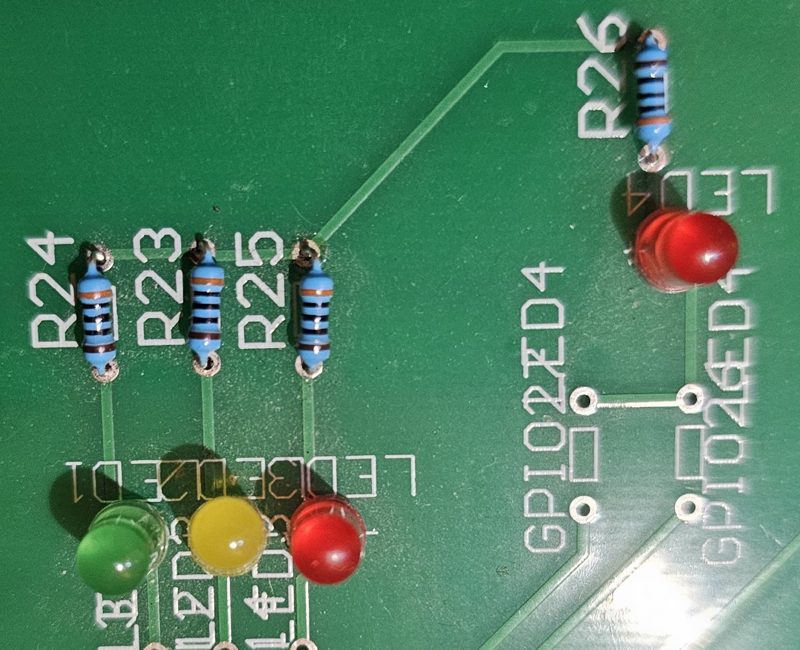 Traffic light