 UniRemoteLab
ESP32 Traffic Light: Code and Step-by-Step Explanation
The first project for anyone starting with microcontrollers: red, yellow and green LEDs lighting in order like a real traffic light. It teaches digital output, timing and splitting code into functions.
▶ Run it on a real boardFree as a guest for a few minutes, or with your university account
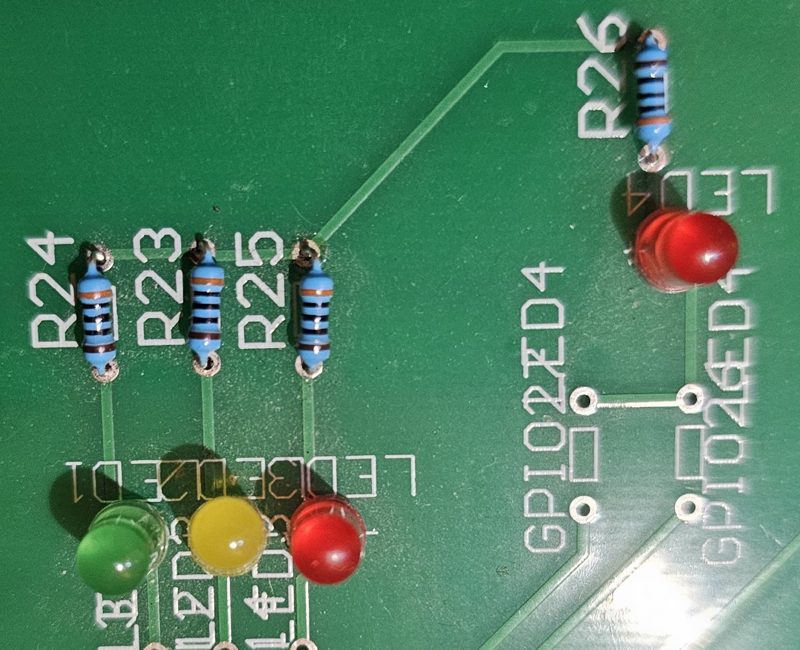
Wiring on the lab board
| Part | Pin |
|---|---|
| LED1 green | GPIO13 |
| LED2 yellow | GPIO12 |
| LED3 red | GPIO14 |
Full code
// Experiment 1: traffic light
// Relays: K9 (green), K10 (yellow), K11 (red)
// German sequence: red -> red + yellow -> green -> yellow -> red
const int GREEN  = 13;   // LED1
const int YELLOW = 12;   // LED2
const int RED    = 14;   // LED3

void light(bool r, bool y, bool g, const char* name, int ms) {
  digitalWrite(RED, r);
  digitalWrite(YELLOW, y);
  digitalWrite(GREEN, g);
  Serial.println(name);
  delay(ms);
}

void setup() {
  Serial.begin(115200);
  pinMode(RED, OUTPUT);
  pinMode(YELLOW, OUTPUT);
  pinMode(GREEN, OUTPUT);
}

void loop() {
  light(1, 0, 0, "RED",        4000);
  light(1, 1, 0, "RED+YELLOW", 1000);
  light(0, 0, 1, "GREEN",      4000);
  light(0, 1, 0, "YELLOW",     1000);
}
The libraries are already installed in the lab.
How it works
- Each LED is connected to an ESP32 pin through a current-limiting resistor to ground. Writing HIGH puts 3.3 V on the pin and the LED lights; LOW turns it off.
- The light() function takes the state of the three LEDs, the name of the phase and its length: it sets the LEDs, prints the name to the Serial Monitor, then waits with delay().
- loop() repeats the four phases in the German order: red, red and yellow together (get ready), green, then yellow.
Common mistakes and fixes
- The LED does not light
- Check pinMode(pin, OUTPUT) in setup() and the pin number. In the lab, close the LED's relay first.
- Nothing appears on the Serial Monitor
- The speed must be 115200, as in Serial.begin().
- I want the code to react to commands while it waits
- delay() blocks everything. Use millis() instead: that is the next step after this experiment.
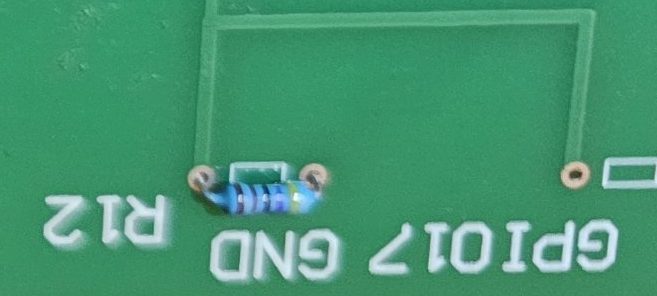 Switch and LED
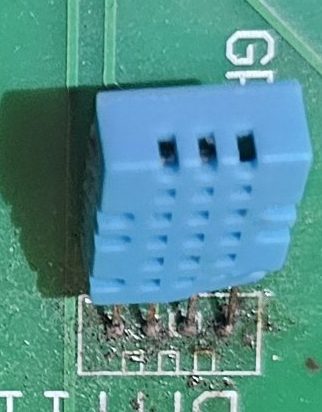 DHT11 with OLED
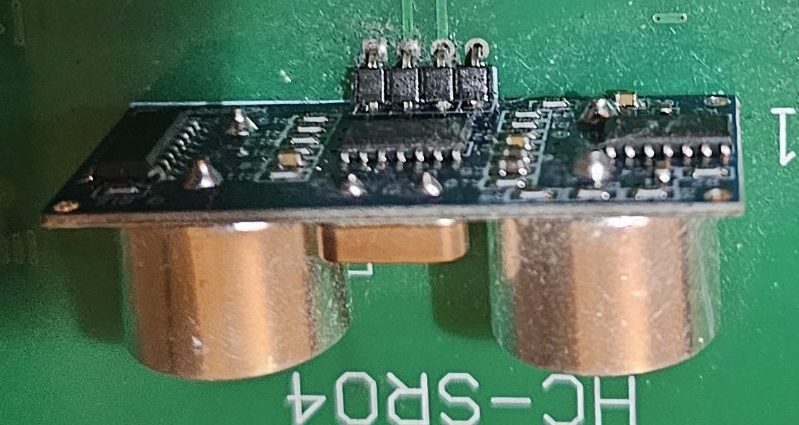 HC-SR04 distance