 UniRemoteLab
DHT11 Temperature and Humidity with an OLED Display on ESP32
A sensor plus a display: the ESP32 reads room temperature and humidity from a DHT11 every two seconds, shows them in large digits on an OLED, and prints them so the Serial Plotter can graph them.
▶ Run it on a real boardFree as a guest for a few minutes, or with your university account
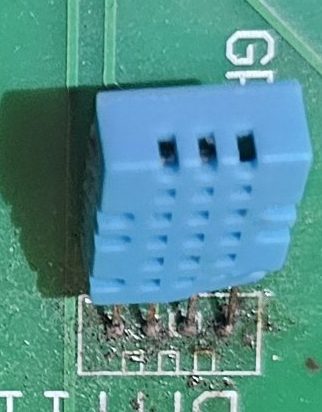
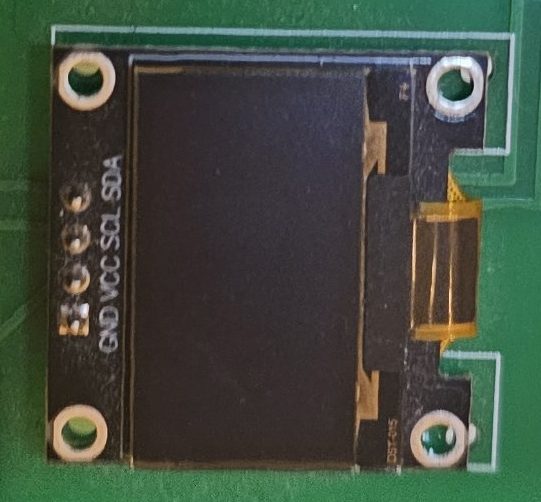
Wiring on the lab board
| Part | Pin |
|---|---|
| DHT11 (Data) | GPIO5 |
| OLED SDA | GPIO22 |
| OLED SCL | GPIO23 |
| OLED address | 0x3C |
Full code
// Experiment 2: temperature & humidity (DHT11) shown on the OLED
// Relays: K3 (DHT11), K5 and K6 (I2C for the display)
// Libraries: DHT sensor library, Adafruit SSD1306, Adafruit GFX
#include <DHT.h>
#include <Wire.h>
#include <Adafruit_GFX.h>
#include <Adafruit_SSD1306.h>

DHT dht(5, DHT11);                              // DATA on GPIO5
Adafruit_SSD1306 display(128, 64, &Wire, -1);

void setup() {
  Serial.begin(115200);
  dht.begin();
  Wire.begin(22, 23);                           // SDA = GPIO22, SCL = GPIO23 on this board
  if (!display.begin(SSD1306_SWITCHCAPVCC, 0x3C)) Serial.println("OLED not found");
  display.setRotation(2);                       // the OLED is mounted upside down on this board: rotate 180°
  display.setTextColor(SSD1306_WHITE);
}

void loop() {
  float t = dht.readTemperature();
  float h = dht.readHumidity();
  display.clearDisplay();
  display.setTextSize(1);
  display.setCursor(0, 0);
  display.println("DHT11");
  if (isnan(t) || isnan(h)) {
    Serial.println("Sensor read failed");
    display.println("read failed");
  } else {
    Serial.print(t); Serial.print(" "); Serial.println(h);   // for the plotter
    display.setTextSize(2);
    display.setCursor(0, 18); display.print(t, 1); display.println(" C");
    display.setCursor(0, 42); display.print(h, 0);  display.println(" %");
  }
  display.display();
  delay(2000);
}
The libraries are already installed in the lab.
How it works
- The DHT11 sends its reading digitally on a single wire with special timing; the DHT sensor library handles it with dht.readTemperature() and dht.readHumidity().
- The display is on the I2C bus. On this board SDA is GPIO22 and SCL is GPIO23, so Wire.begin(22, 23) comes before display.begin(). The screen is mounted upside down, hence setRotation(2).
- The Adafruit SSD1306 library draws into memory; nothing shows until display.display() is called.
Common mistakes and fixes
- The reading is nan
- The sensor relay is open, or the pin or type in DHT dht(5, DHT11) is wrong. The code checks with isnan() and reads every two seconds, as the sensor needs.
- The screen stays black
- Missing Wire.begin(22, 23) or display.display(), or the address is not 0x3C.
- The text is upside down
- Add display.setRotation(2).
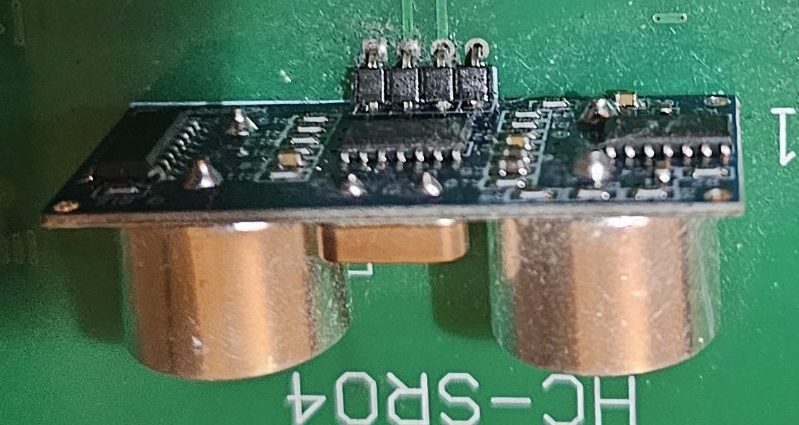 HC-SR04 distance
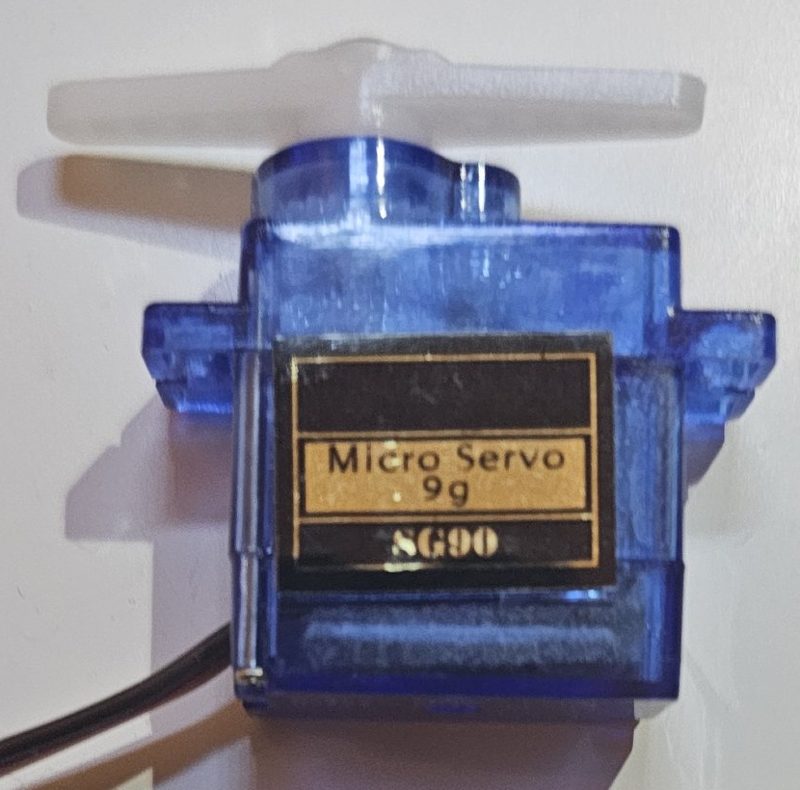 SG90 servo
 DS3502 digital pot